Booknatin gives your barber shop its own booking page. Customers pick a barber and an open time, pay by GCash if you like, and the booking lands in your Google Calendar.
14 days free, no card needed. Set up in about 10 minutes.
Tap to try the demo booking page
How your customers book
You share one link on Facebook, Messenger or a QR poster at the counter. Customers don't download anything or make an account.
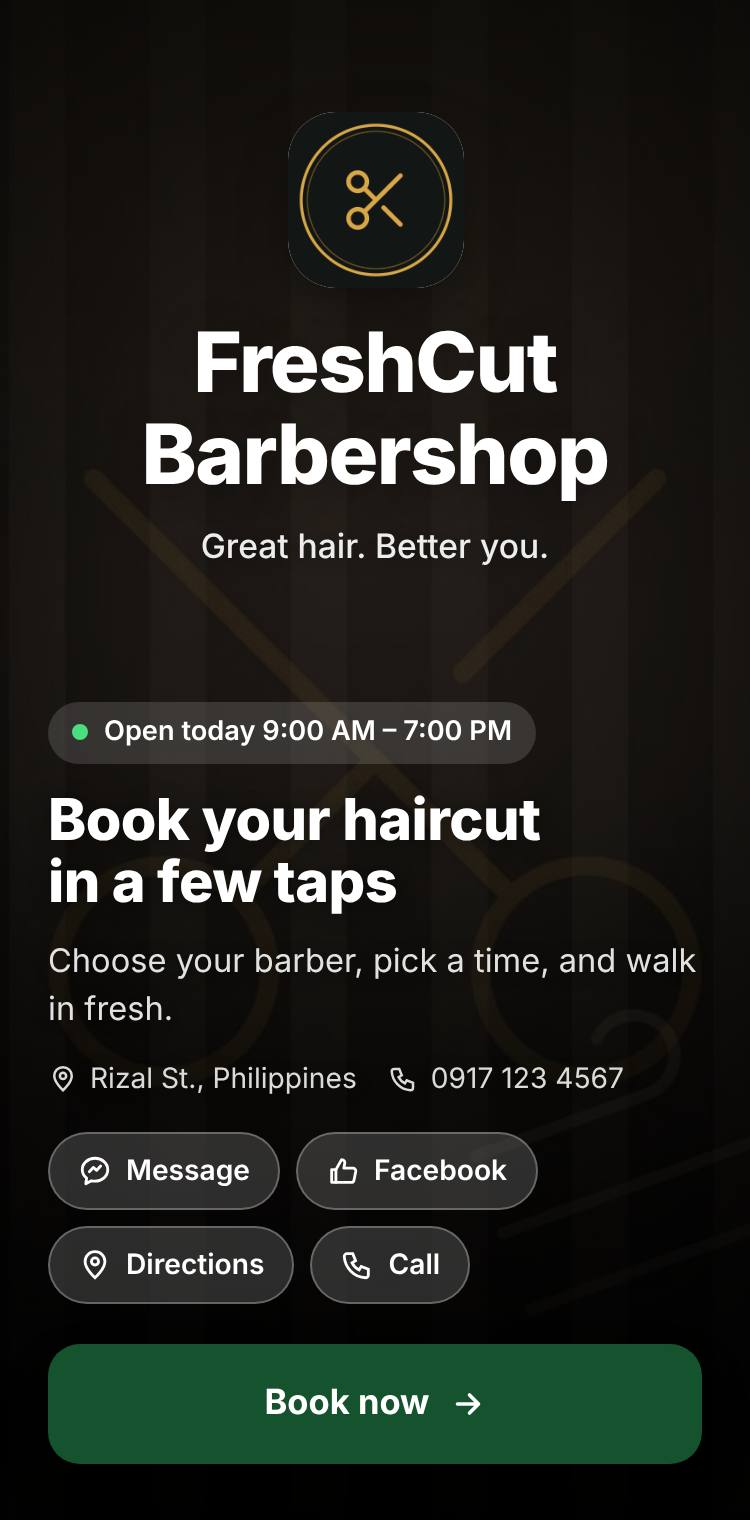
They open your linkYour photos, your colors, your opening hours.
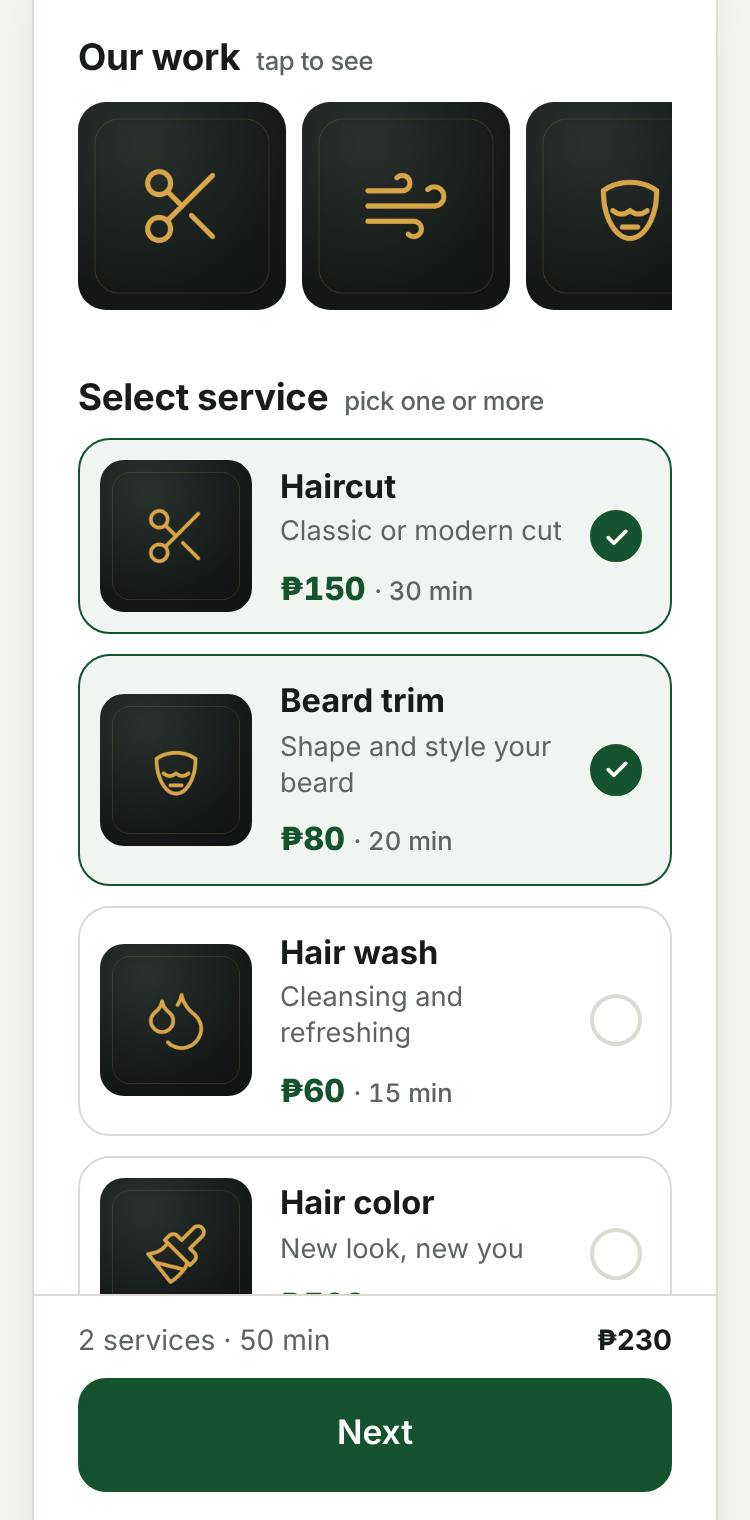
Pick services and a barberPrices and how long each one takes are right there.
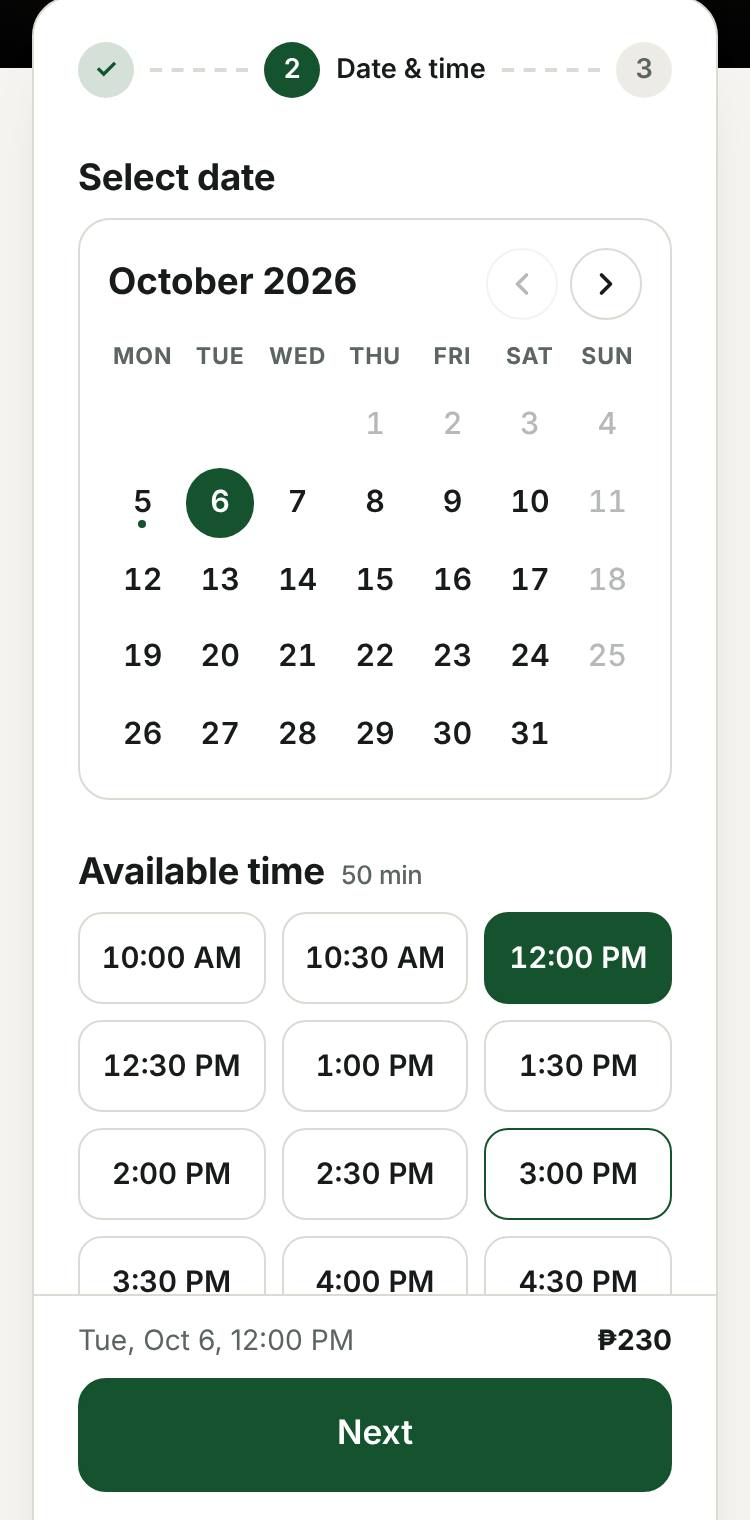
Choose an open timeOnly free times show, based on your calendar and each barber's hours.
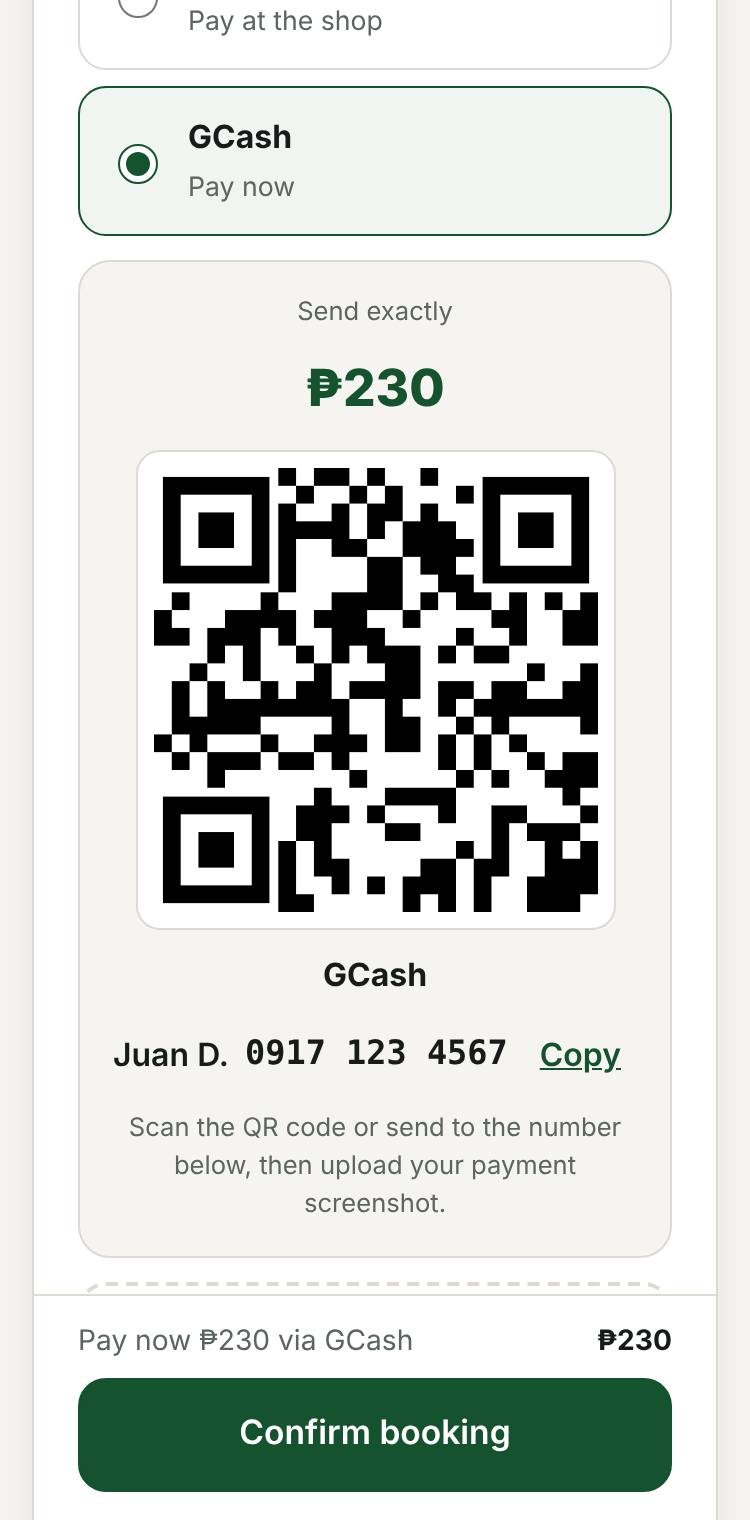
Pay by GCash or at the shopThey scan your QR and upload the screenshot. You confirm it before the booking is final.
Made for a busy shop floor
Everything runs from your phone, between cuts.
For your customers
Book any time, even at midnightNo more waiting for you to reply on Messenger.
Choose their favorite barberOr "any barber" for the first free chair.
Pay with GCash, Maya or bank transferStraight to your account. Or cash when they arrive.
Confirmation and a reminder the day beforeSent from your own Gmail, so fewer no-shows.
Reschedule or cancel on their ownUp to the cut-off time you choose.
For you and your barbers
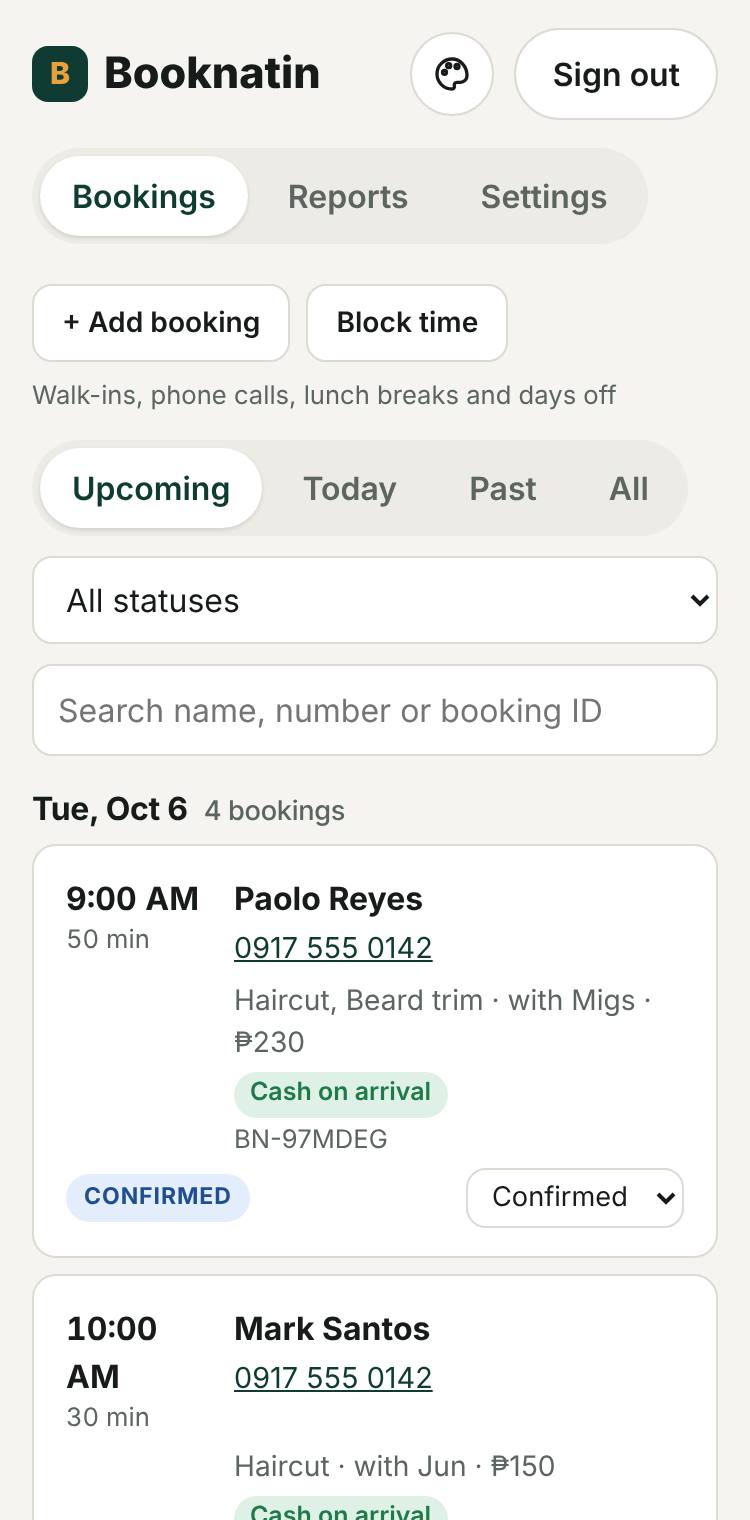
Every booking in your Google CalendarPlus a Google Sheet with names, numbers and payments.
Add walk-ins and phone bookingsSo online customers never take the same chair.
Block lunch, days off and holidaysFor the whole shop or one barber.
Each barber gets their own loginThey see only their own bookings. Managers see everything.
Morning summary and monthly reportsToday's bookings in your inbox, sales at a glance.
A printable QR posterFor the mirror, the counter or the door.
Your bookings, on your phone
Make it look like your shop
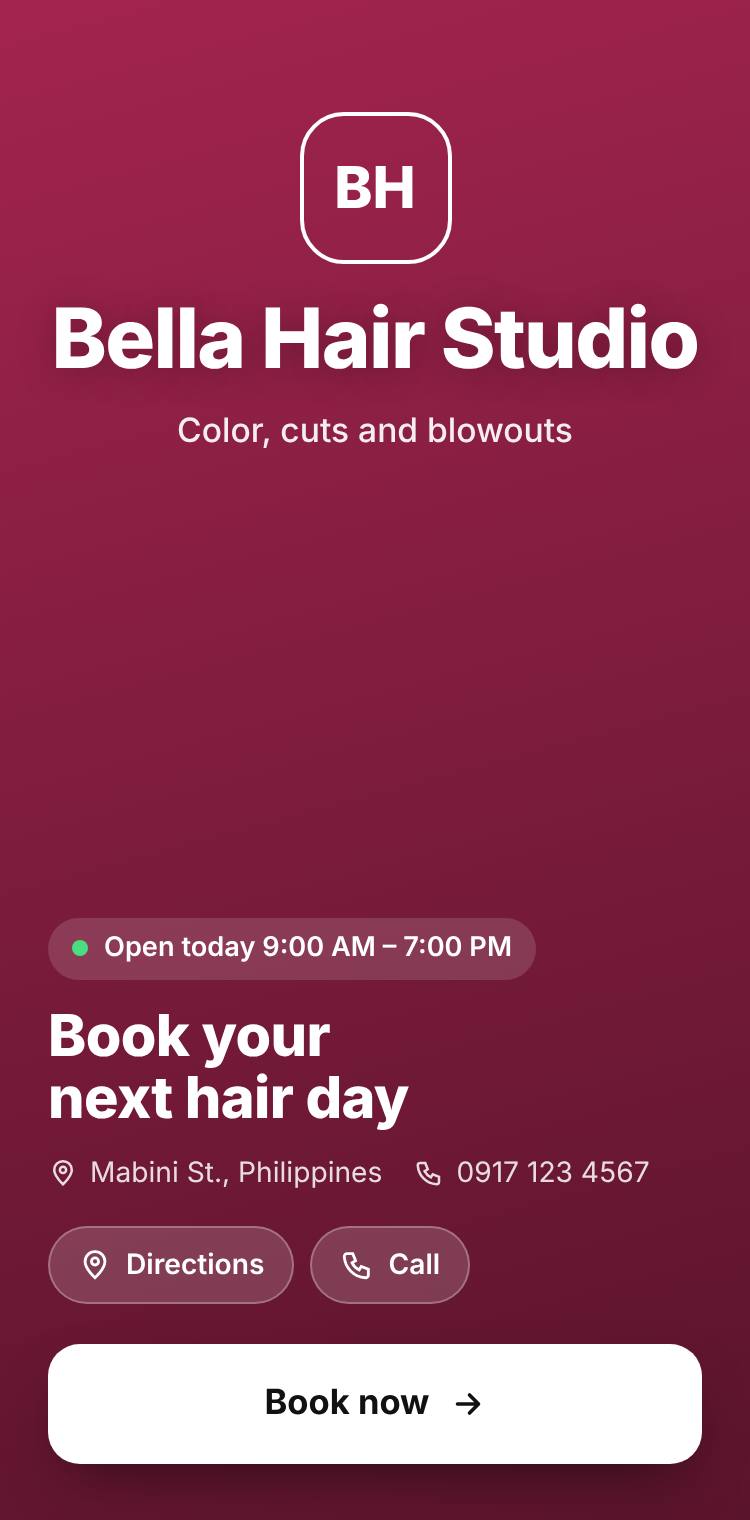
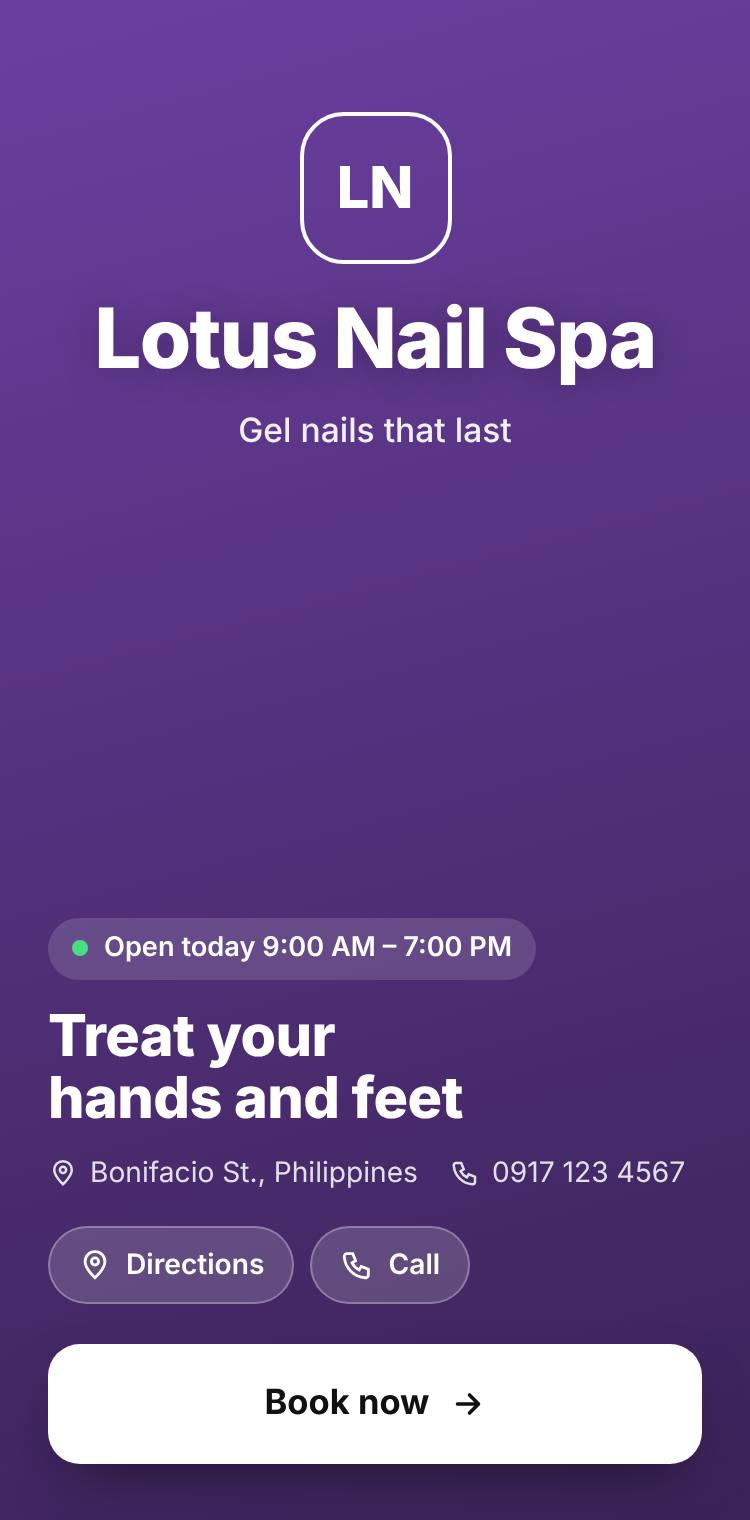
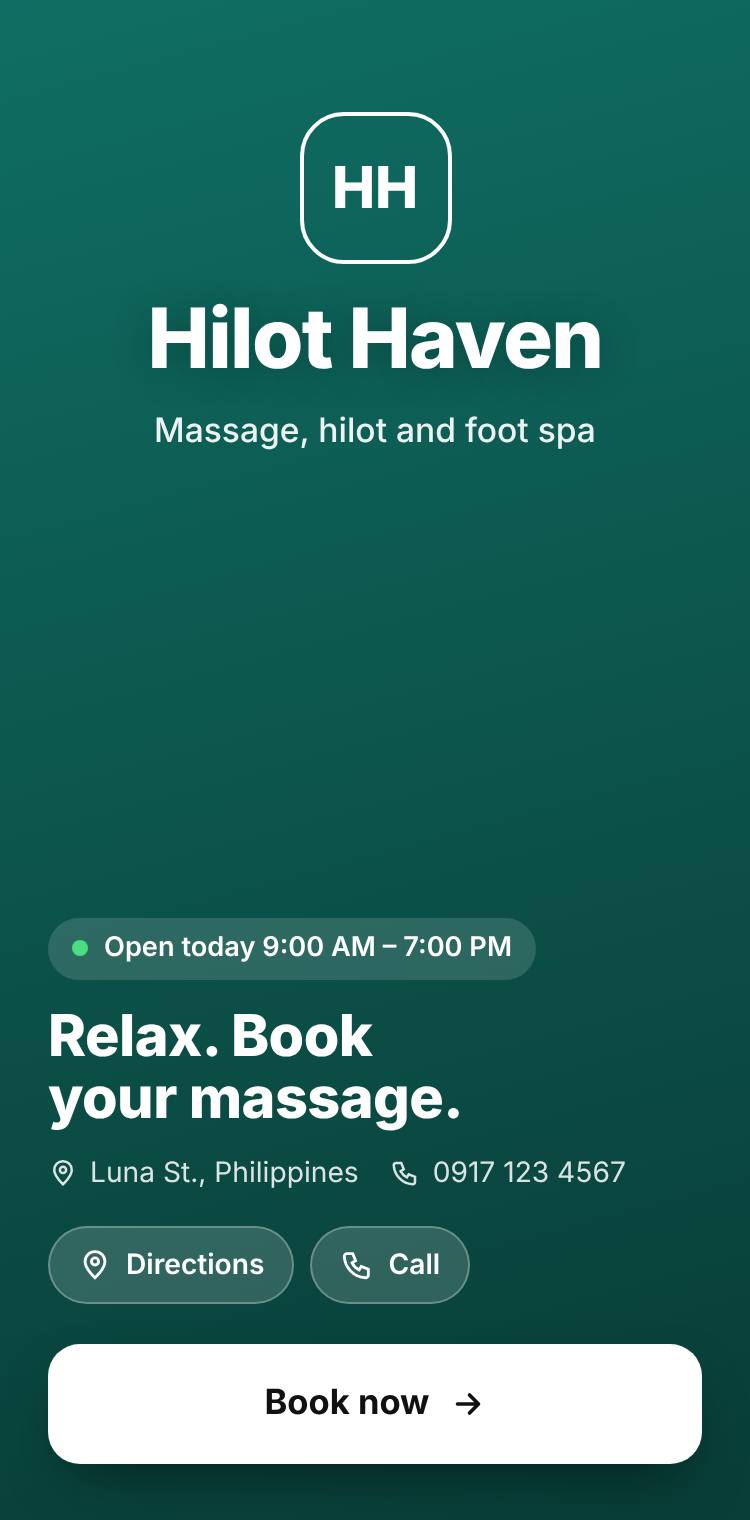
Not a barber shop? Booknatin works for salons, nail spas, massage and clinics too. Pick your type of business and the words, starter menu and look change to fit.
Barber shop“Choose your barber”Hair salon“Choose your stylist”Nail spa“Choose your nail tech”Massage & spa“Choose your therapist”
Your look
Cover photo, logo and brand color
Welcome headline, text and button
How dark the photo is, so text stays readable
A gallery of your best work
Your own link, like booknatin.pages.dev/yourshop
Message, Facebook, Directions and Call buttons
Your menu and team
Type of business and a starter menu for it
Services with photos, descriptions, prices and how long they take
What you call your staff: Barber, Stylist, Therapist, or your own word
Staff photos, and each person's own days off and hours
Logins for your staff and managers
Your rules
Opening hours, breaks, days off and holidays
Time between slots, how far ahead, and the minimum notice
GCash, Maya, bank or cash, with or without a deposit
Whether a payment screenshot is required
If and until when customers can cancel or reschedule
Confirmation emails, reminders and your morning summary
Your customers stay yours.
Booknatin sends each booking straight to your Google account. We don't keep a copy of your customers' names or numbers.
Bookings live in your own Google Calendar and Sheet.
Payments go directly to your GCash or bank. We never touch the money.
Stop any time. Everything stays in your Google account.
Simple prices, like a phone load
Pay monthly, or save by paying for a year or two at a time. Every plan starts with a free trial.
Swipe to compare plans
Free trial includes everything in Pro. No card needed.
Questions shop owners ask
Do my customers need to download an app?
No. Your booking link opens in any phone browser, including inside Facebook and Messenger. Regular customers can add it to their home screen so it opens like an app.
Where are my bookings saved?
In your own Google Calendar, and in a Google Sheet that Booknatin creates in your Google Drive. Booknatin only keeps your shop settings, like your services, prices and hours.
How do customers pay?
You choose. They can scan your GCash, Maya or bank QR and upload a screenshot, or pay cash at the shop. You can ask for a deposit instead of the full price. Online payments wait as "Pending" until you check the money arrived.
Can my barbers have their own login?
Yes, on Pro and Max. Each barber signs in with their own Google account and sees only their own bookings. Managers can see and change everything except your plan.
Why does Google show a warning when I sign up?
Booknatin is new and hasn't finished Google's app review yet, so Google shows "Google hasn't verified this app". Tap Advanced, then Go to Booknatin. Booknatin can only see your calendar events' times and the one spreadsheet it creates, and you can remove its access any time from your Google account.
What happens after the free trial?
Choose a plan and pay by GCash to keep taking bookings. If you don't, your booking page pauses. Your bookings stay in your Google account either way.
Does it work for salons, spas and clinics?
Yes. Choose your type of business in Settings (barber shop, hair salon, nail spa, massage & spa, clinic or other). Customers then see the right words, like "Choose your stylist", and you get a starter menu to edit. You can also type your own word for your staff.